
With the introduction of Smart TVs (Apple TV, Roku, FireTV, etc.) access to content is easier. From streaming movies, music, casting your laptop to the tv has all become much easier.
With that, access to content is much easier too. YouTube, all the streaming services, are available. With apps like Netflix, Paramount+, Disney+, etc. many have the ability to set up profiles that are set for select age or content range with a PIN code is used to hinder access.
But many of these manufacturers, like Roku as an example are pulling content that is available on free services through their own app but that content is still what I call “trash tv”. So how do we manage this content better.
Easiest thing is to not permit TVs in rooms, but I also know that may not be realistic as it seems. So what can you do?
- Set up profiles on paid for services.
- Invest in something that works on your entire home network like:
- Bark Home
- Gryphon routers
- See if your ISP offers a service for free
Streaming Service Solutions
Bark Home
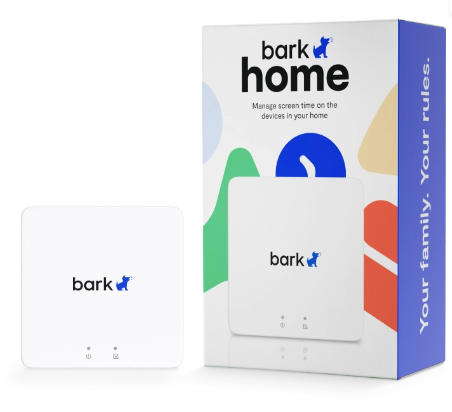
Router-integrated solution to monitor and filter web content across devices; subscription-based. Learn more
Gryphon Router

Smart routers with built-in parental controls for device access, content filtering, and network monitoring. Learn more.
Streaming Services
ISP Options (Coming Soon)
- Spectrum
- Comcast
- T-Mobile
- AT&T
- Verizon
 TMGT
TMGT 