
Navigating parental controls for computers can be daunting for non-technical users. Our curated selection of tools offers robust device and network control, comprehensive content filtering, remote management, and transparent cost estimates. Empower yourself to protect your family using trusted solutions from Microsoft, Apple, Bark, Gryphon, Spectrum, AT&T, T-Mobile, and Comcast.
School Issued Computers
School issued computers can be a tough area. They are owned by the school and are typically locked down so you cannot install anything. Also, most schools do have some level of monitoring. What they do have installed though oftentimes does not monitor or prohibit outside of the school building so when they are at home there is a lot of access they have. I recommend solutions like:
- Bark Home Learn More
- Meet Circle Learn More
- Gryphon Routers Learn more
- Parental controls you can enable at your router level from your internet provider.
Management Tools

Microsoft Family Safety:
Works on Windows 10 & 11 PCs and Xbox; offers content filtering and screen time management. You also get weekly reporting emails on activity for a user. For a free solution, Microsoft did superb job. Learn more.
Setup and Instructions
https://www.youtube.com/playlist?list=PLAyLYMSlMpt1VTBdmisbEVvsqkI7u3y7B
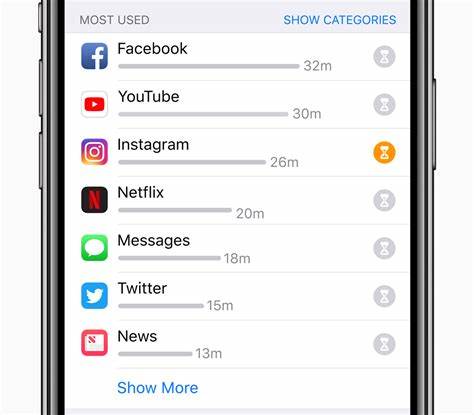
Apple Screen Time:
Exclusively for Apple devices; built into macOS. Offers screen time limits and content filtering. Learn more.
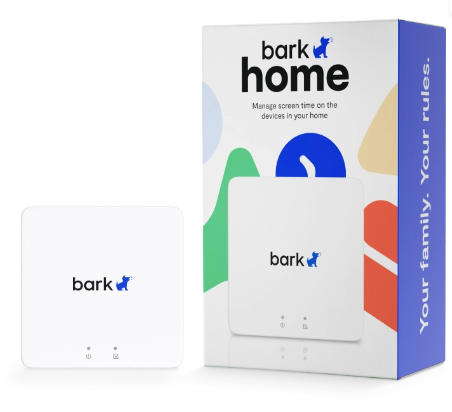
Bark Home:
Router-integrated solution to monitor and filter web content across devices; subscription-based. Learn more.
Setup & Instructions
https://www.youtube.com/playlist?list=PLAyLYMSlMpt03-4kyye_11wQmmD3p0EzL
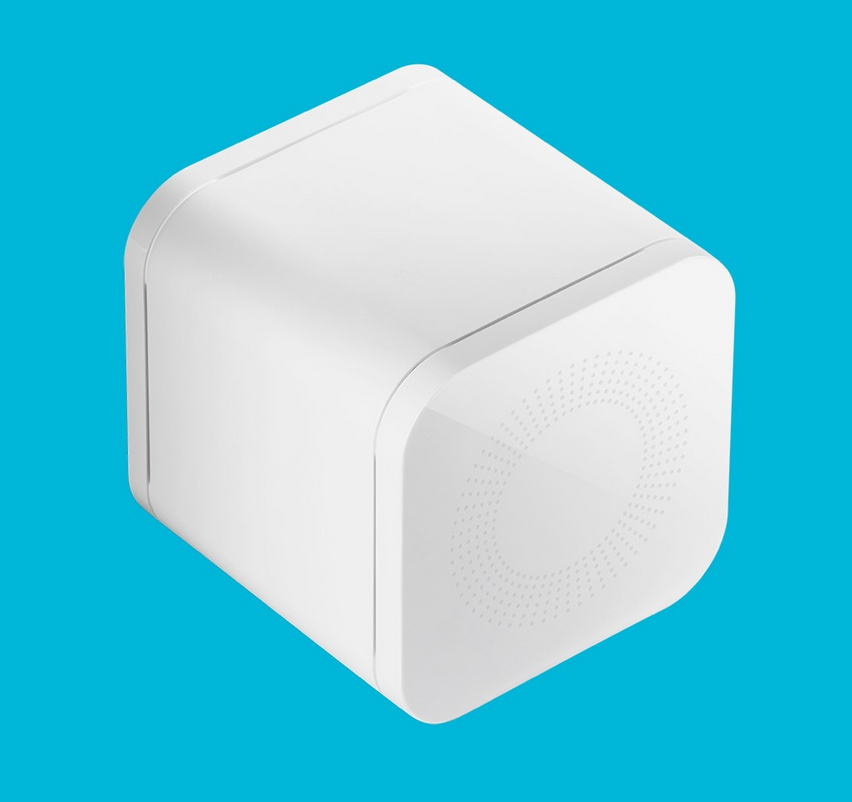
Meet Circle:
Circle is a similar solution to Bark Home. We use this in our home. The only caveat is that they were acquired by a company called Aura and are only available aftermarket on places like eBay. Learn More
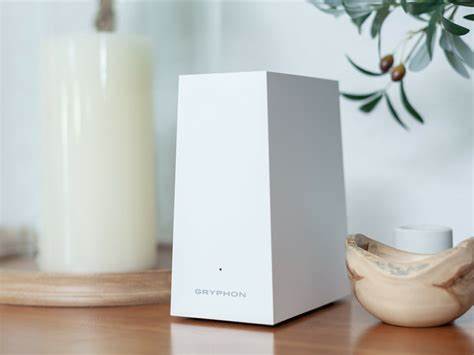
Gryphon Routers:
Smart routers with built-in parental controls for device access, content filtering, and network monitoring. Learn more.
Internet Provider Solutions
Spectrum Internet Parental Controls:
Integrated with Spectrum internet; offers content filtering, scheduling, and device monitoring at no extra charge. Learn more.
AT&T Internet Parental Controls:
Offers content filtering, website blocking, and usage monitoring; basic controls included with AT&T internet service. Learn more.
T-Mobile Internet Parental Controls:
Provides content filtering and screen time limits as part of T-Mobile internet service, with no extra fee. Learn more.
Comcast Internet Parental Controls:
Xfinity’s parental controls include content filtering, scheduling, and device monitoring; offered at no additional charge. Learn more.
 TMGT
TMGT 